
Cinematic color
Cinematic photo filters for iPhone.
A cinematic filter shapes contrast, color relationships, and atmosphere while keeping the photograph clear. FilmLook includes 106 original filters and processes every edit on your device.
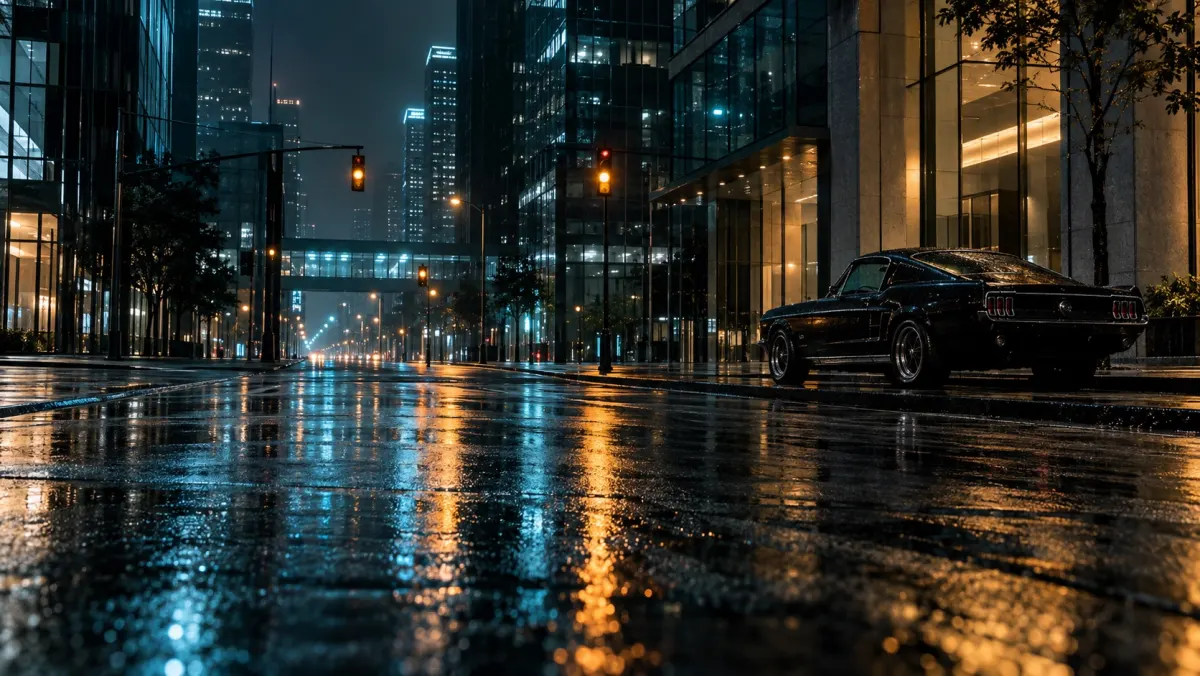
What makes a photo look cinematic?
Cinematic color usually has a deliberate relationship between shadows, skin, highlights, and the main subject. It can use cool shadows and warm light, restrained saturation, softer highlights, or deeper blacks. The correct choice depends on the photograph.
Start with the story
Use clean contrast for architecture, gentle highlight control for portraits, and stronger color separation for night scenes. Reduce the filter amount when the original light already has a strong character.
Keep control after the filter
FilmLook lets you adjust exposure, contrast, warmth, saturation, highlights, shadows, vignette, and grain. The app saves a separate full resolution result, so the original remains unchanged.
See the before and after examples, or read how to choose a photo filter.